Show HN: Woxi - Open-source Mathematica / Wolfram Language reimplementation
Mirrored from Hacker News — AI on Front Page for archival readability. Support the source by reading on the original site.
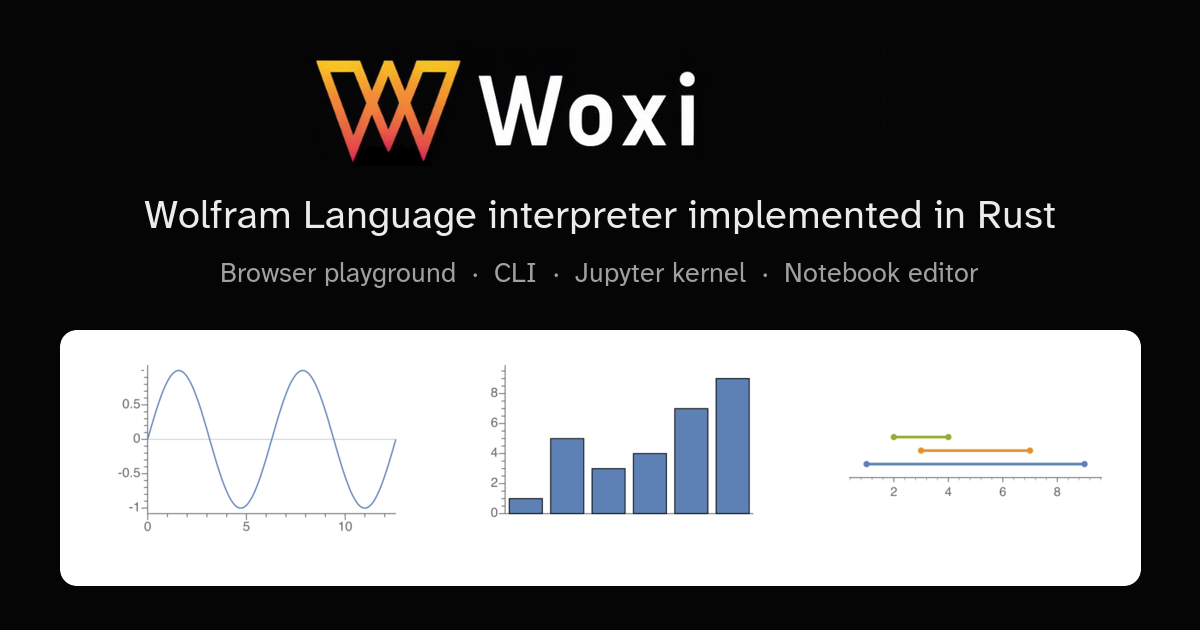
Woxi
Wolfram Language interpreter implemented in Rust.
Everything runs locally in your browser. No data is sent anywhere.
Output
Other ways to use Woxi
The playground above is one of several Woxi front-ends — the same interpreter powers a full-screen playground, a command-line tool, a Jupyter kernel (also runnable in the browser via JupyterLite), and a native notebook editor.
Extended playground
Side-by-side editor and output pane with more room to explore. Great for multi-line expressions and experimenting with graphics.
Open the full playground →Command-line tool
Evaluate expressions with woxi eval,
run .wls scripts directly, or use Woxi
as a shebang interpreter. Faster to start than
wolframscript.
Jupyter & JupyterLite
Woxi ships as a Jupyter kernel. Install it locally
with woxi install-kernel, or run the
full notebook experience in your browser via the
bundled JupyterLite instance
— no install required.
Woxi Studio
Native notebook editor for Wolfram Language
.nb files. Cell-based editing, inline
graphics, and export to .ipynb,
Markdown, LaTeX, Typst, and PDF.
Discussion (0)
Sign in to join the discussion. Free account, 30 seconds — email code or GitHub.
Sign in →No comments yet. Sign in and be the first to say something.