Deploy Cursor Origin repositories with Vercel in public beta
Mirrored from Vercel — AI for archival readability. Support the source by reading on the original site.

Pro and Enterprise customers can now connect Origin repositories to Vercel.
Once connected, pull requests on Origin will automatically generate Preview deployments on Vercel, and merging will trigger a Production deployment.


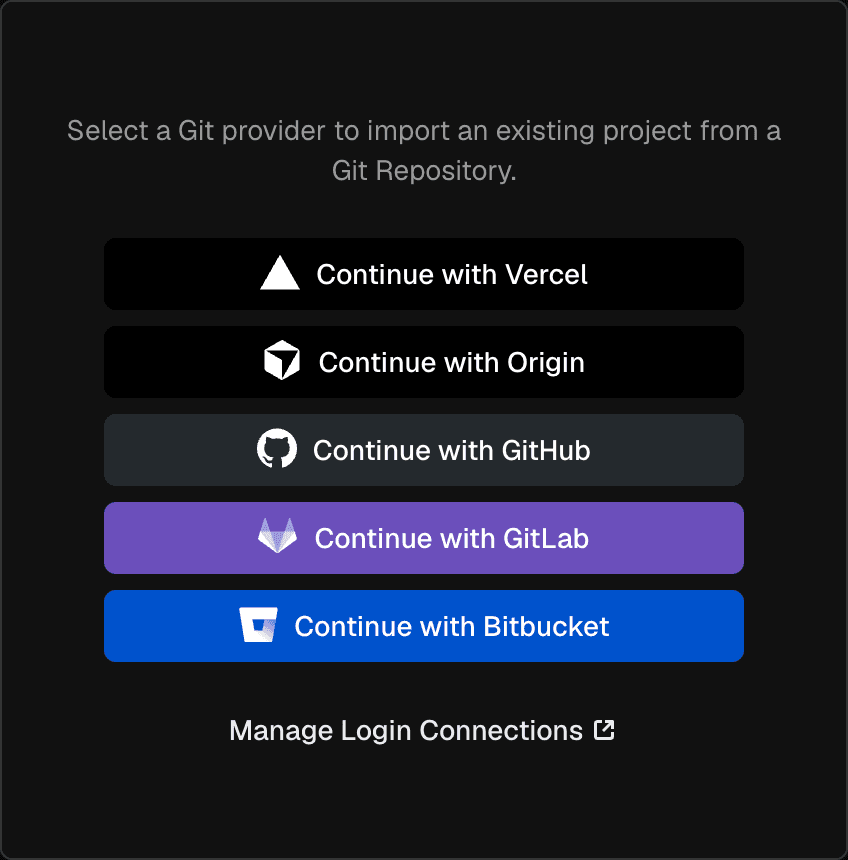
You can connect Origin through Team settings, Project settings, or by clicking "Continue with Origin" when creating a new project.
You can also connect Vercel to a repository from within Origin by adding Vercel in the repo's Apps tab.
Vercel's integration is in public beta and Origin is in research preview. Origin repositories are subject to Vercel's existing private repository policy.
Learn more about connecting Origin in the git integration documentation.

Discussion (0)
Sign in to join the discussion. Free account, 30 seconds — email code or GitHub.
Sign in →No comments yet. Sign in and be the first to say something.