Why and How to Run Local Models in Zed
Mirrored from Zed Editor for archival readability. Support the source by reading on the original site.
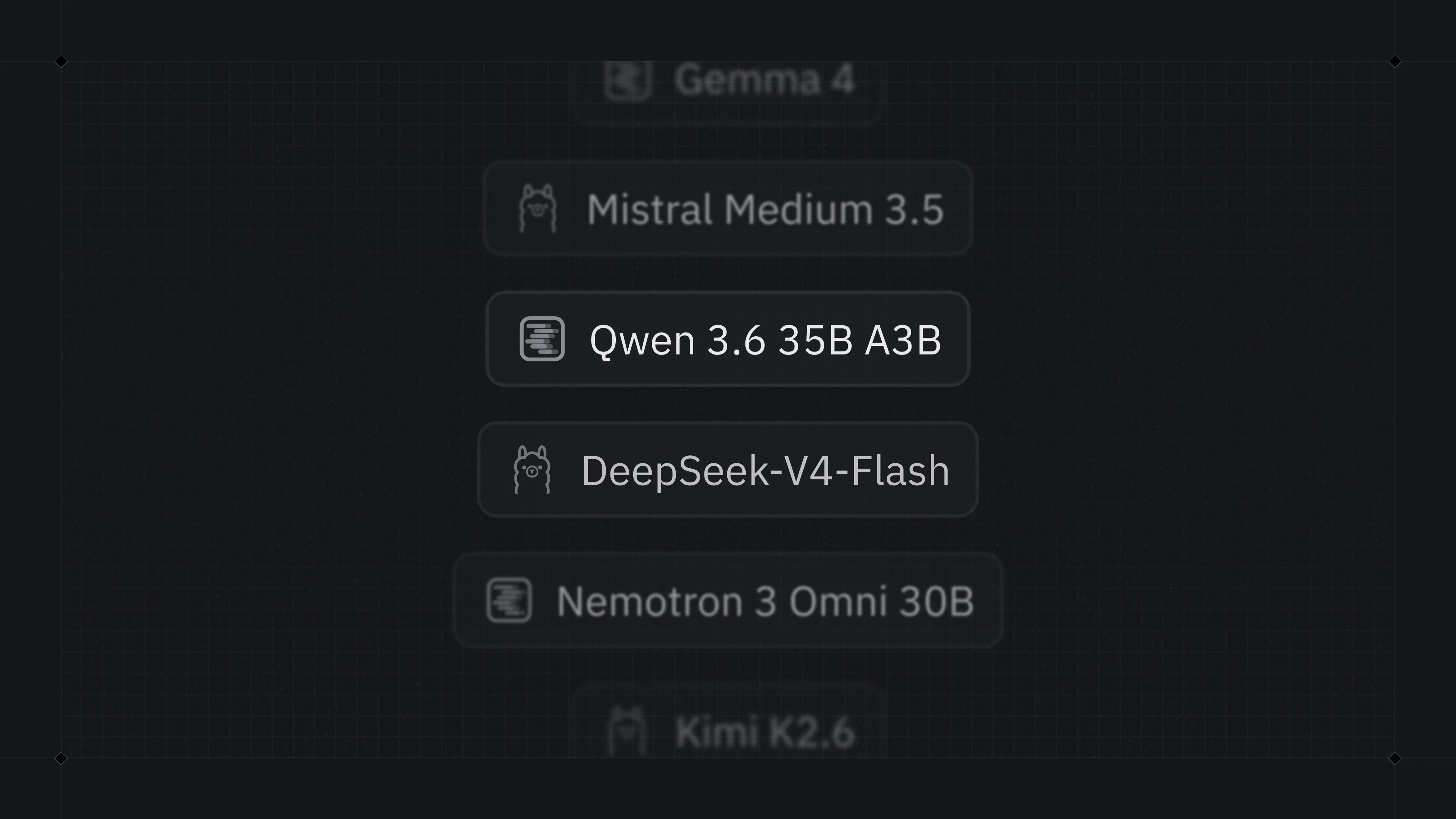
For many tasks, I prefer to use local models.
When I need the best possible model, I still reach for frontier options, but a lot of the time I don't need that. I prefer something that runs on my machine, keeps my data on hardware I control, and won't disappear because a provider changed their pricing or limits.
Open-weight models are getting better, too. Tools like LM Studio, Ollama, and llama.cpp keep getting easier to use, and in the last 10 weeks, local model usage has grown 3x in Zed's agent.
At Zed, we're not building AI features for the money, and we're not in the business of locking devs into one way of using AI. We make it easy to use whatever provider you prefer, whether that's Codex over ACP, your own API key, or a direct subscription to Zed Pro.
In this post I want to walk through why local models can be great, where they fall short, and how to get set up in Zed.
Why Local?
Local models have a number of advantages over cloud-hosted models:
They're totally private. While most cloud providers offer zero-data-retention policies, local models provide absolute certainty. The data never leaves your network, or even your machine if you so choose.
They can be much cheaper to run. There is the up-front hardware cost, but, as we'll see in this post, your current developer laptop may be more than capable of running a competent model. And you don't have to worry about unexpected price changes1. The price is consistent, transparent, and low.
You get more control. You can set your own system prompt, enable or disable features (e.g. image support), change the context window, and more. You can also discover fine-tuned versions of popular models tailored to your use case. And since you own the full pipeline, you can be sure that you aren't being secretly served a lower-cost model under the same name.
Finally, and most importantly for me, local LLMs are always available. Like many developers, I worry about becoming too reliant on providers that operate like SaaS platforms where a change of pricing or setup makes them unfeasible to use. With a local model, you always have access.
Local Model Shortcomings
If local models were perfect, cloud providers wouldn't exist (at least not at the scale they currently do).
There is no getting around the fact that the hardware required to run frontier models at acceptable speeds is simply out of reach for consumers. Models you will be able to run locally are not as capable as what you can get from the top AI labs. You will also likely get fewer tokens per second.
That said, you can get good results even on a developer laptop. Just don't expect frontier-level results.
How to Run Local Models
There are a number of free and open source projects that let you run models locally. I have had the most success with LM Studio, but Ollama and llama.cpp are also popular choices. Zed supports all three out of the box.
Once you have a runtime, you need to choose a model.
I've been using Qwen 3.6 35B A3B.
That name is a bit of a mouthful, but each part tells you something useful:
Qwen 3.6is the model family. Qwen models are made by Alibaba, and 3.6 is their latest release as of the time of writing. Models in the same family can differ by size, speed, feature support, and more.35Bmeans the model has 35 billion parameters. A parameter is one of the values the model learned during training. When you run the model, those values need to be loaded into memory.A3Bis short for "active 3 billion".
This is a "Mixture of Experts" model, or MoE.
That means the model has 35 billion parameters in total, but only about 3 billion are active for each generated token.
A dense model works differently, because all of its weights are active all the time.
In practice, MoE models usually trade a small amount of intelligence for a dramatic increase in performance. As a very crude rule of thumb, the time to generate a token scales linearly with the number of active parameters. In a dense model, all parameters are active, so the number of parameters is just the size of the model. In a model like Qwen 3.6 35B A3B, there are 3 billion active parameters, so it runs roughly 10x faster than a dense 35B model.
Some chips, such as Apple's M series or AMD Strix Halo, support "unified memory". With unified memory, the GPU can access system memory directly, although it is much slower than memory on a dedicated GPU. MoE models are particularly compelling on these systems, since the lower memory bandwidth hurts less when fewer parameters are active.
Finally, you should consider quantization, which is a way to make a model smaller by storing each parameter with fewer bits.
If you need 35 billion parameters in memory, how much VRAM does that require?
It depends on how big each parameter is.
Models are usually trained with 16 bit floating point parameters, but those parameters can be compressed.
The Qwen 3.6 model I tested with is a Q4 model, which means each parameter is 4 bits.
Since it has 35 billion parameters, that's about 17.5GB of VRAM (plus overhead for the context and other assorted bits and bobs).
LM Studio has a nice UI that shows whether a model is likely to fit on your GPU.
Configuring Zed
Once you have your provider set up, you can point Zed at it.
Since I'm using LM Studio, I just add an LM Studio config, pointing at http://localhost:1234/api/v0, and make sure LM Studio's server is running with lms server start.
If you're using Ollama, llama.cpp, or any other OpenAI-compatible system, you can use the built-in Ollama provider.
From there, you should see your downloaded models in the model selector within the Zed agent.
Working with Non-Frontier Models
From there, it should be a familiar experience: send a prompt, and the model can respond, edit your code, and use tools.
But if you're used to using frontier models, there are two things that you will need to be extra careful about when using local models:
- They're not as "clever" as the frontier models
- They typically have smaller context windows
Because of this, they require more attention and discipline to be used effectively. Best practices become more necessary.
For example, if you see the model going down an incorrect path, or getting stuck in a loop, it's often better to edit your previous message to guide against the bad path, rather than sending a new message correcting it. This ensures that the context window doesn't get filled with unhelpful information.
You also may want to encourage them to use subagents more. Subagents can be a powerful tool for limiting the impact on the context window of small, menial changes.
Finally, experiment! Go nuts! Test different models from different providers. Tweak the context window size or the temperature. Maybe you have a fancy gaming PC with a dedicated GPU - maybe try a dense model. Find a cool combination that works well for you? Share it in our Discord.
Happy hacking!
Footnotes
-
Modulo local energy prices. ↩
Related Posts
Check out similar blogs from the Zed team.



Looking for a better editor?
You can try Zed today on macOS, Windows, or Linux. Download now!
We are hiring!
If you're passionate about the topics we cover on our blog, please consider joining our team to help us ship the future of software development.
Discussion (0)
Sign in to join the discussion. Free account, 30 seconds — email code or GitHub.
Sign in →No comments yet. Sign in and be the first to say something.