Haiku OS runs on M1 Macs now
Mirrored from Hacker News — AI on Front Page for archival readability. Support the source by reading on the original site.
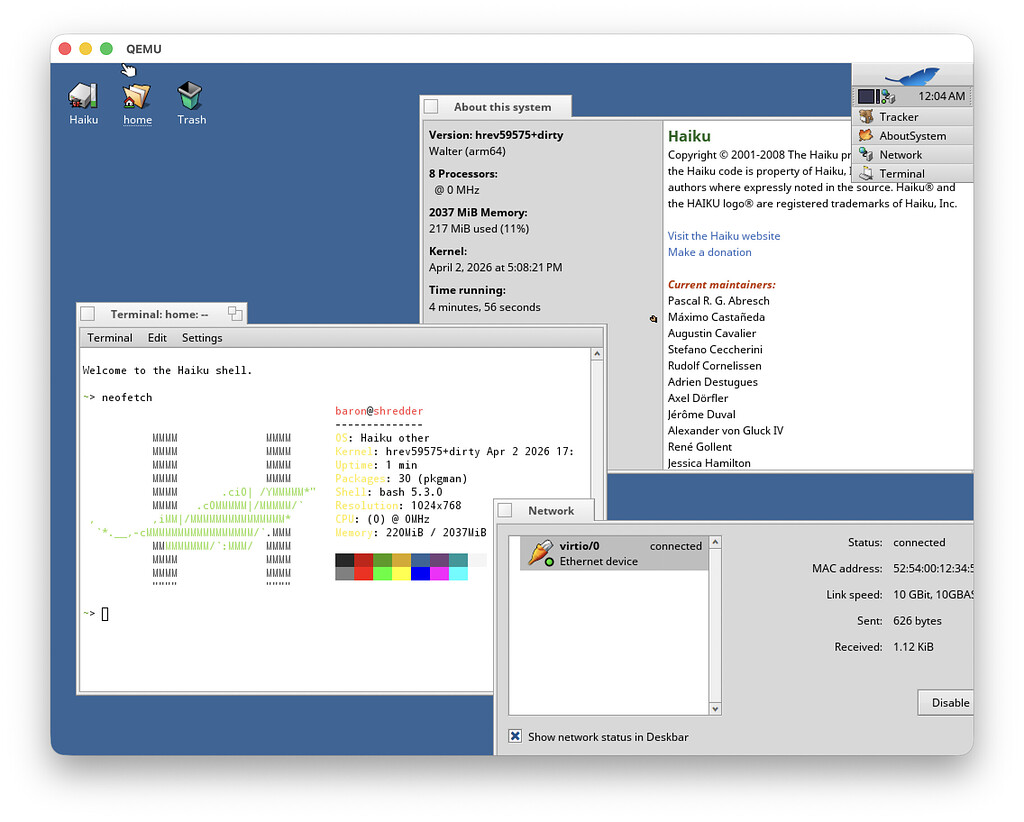
Got Haiku booting in UTM with some small fixes. Mouse movement is slow and choppy though, so it’s not especially fun to use
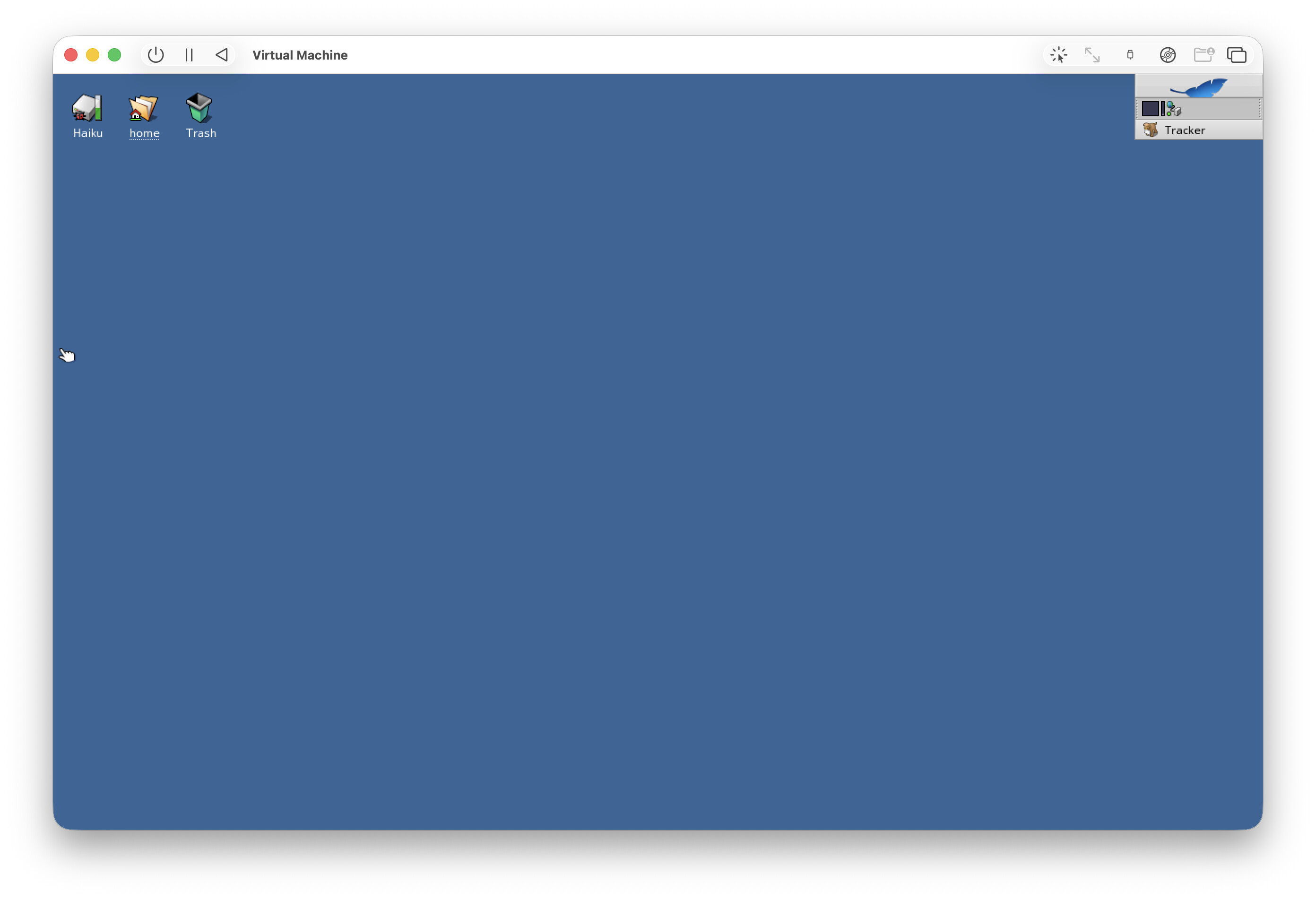
Are nightly images "Bootstrap image"s or “unbootstrapped” ones from? I want to know how can I make a hacking environment on an ARM64 nightly.
There are no git, gcc or any development packages in the current nightly images. Are there any guide to set up build and test other packages?
Or recent imaged is just started booting to Desktop, but there are many fix to the OS before userland hacking?
They are “unbootstrapped”, but the only difference is the way the initial set of packages was built.
You can set up haikuports by downloading one of its release archives, and you should have a set of packages good enough to start building things there, or at least try and see what’s missing.
You may be able to install some things from pkgman as well, but right now there is no haikuports builder, so the package set will be quite limited. I guess that will come sometime later?
On my side, pkgman can’t install any package and I have the “operation not supported” error :
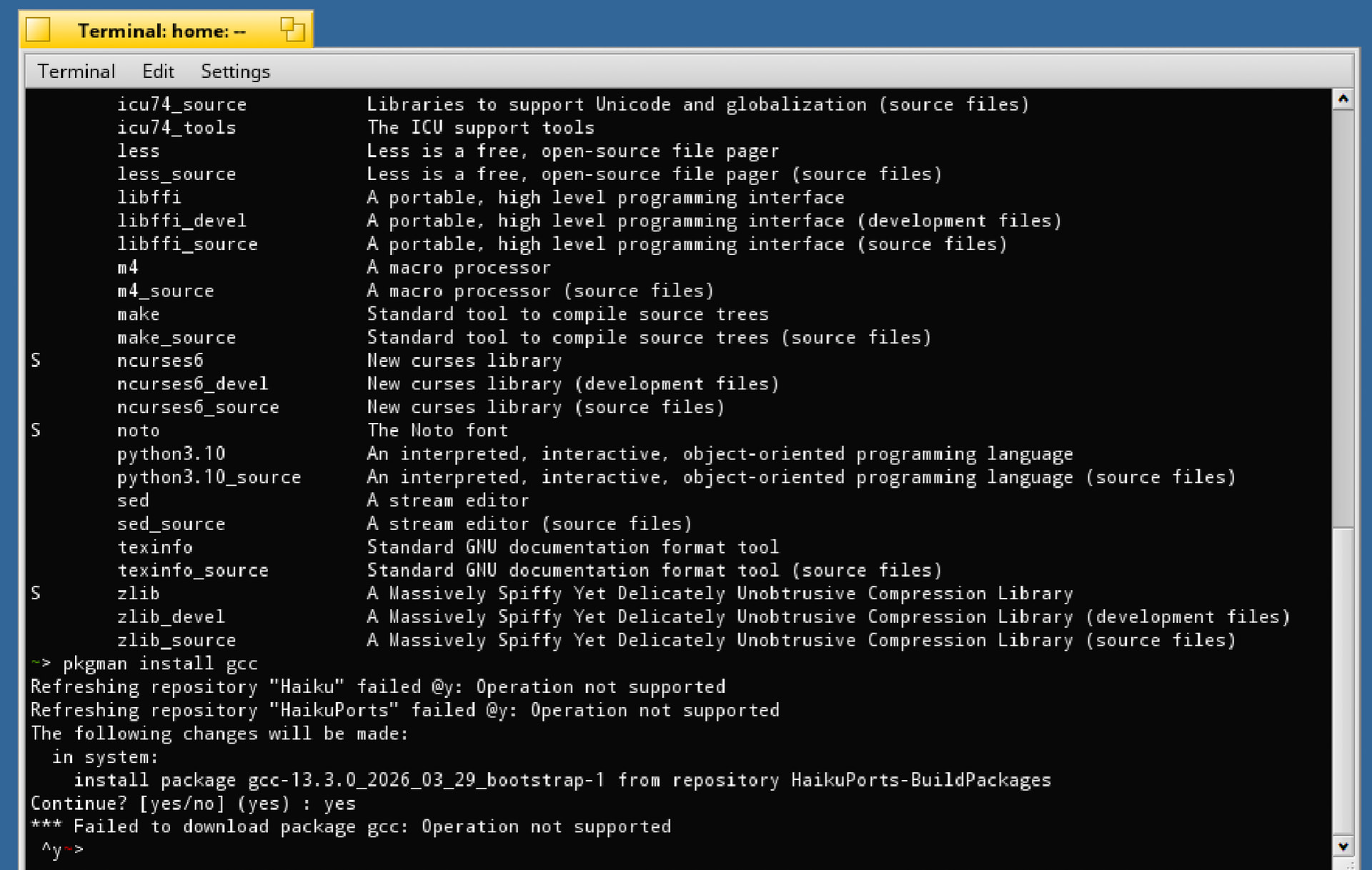
This may be caused by the imagebeing built without openssl support. In which case, indeed it will be difficult to get anything useful done with it.
If the package is available in the depot you could grab the link there and use wget to pull it in, had to do some magic for that also on the riscv64 image to be able to setup haikuporter/haikuports.
I couldn’t find prebuild dev packages for arm64 on depot server. But I found a way to bring files from QEMU host to ARM64 Haiku guest through FAT32 disk image.
Create disk image formatted FAT32 by MacOS Disk Utility, then mount on Mac and place files, finally attach QEMU guest like
qemu-system-aarch64 \
  -M virt \
  -cpu max \
  -m 2G \
  -smp 4 \
  -bios /opt/homebrew/share/qemu/edk2-aarch64-code.fd \
  -device qemu-xhci,id=usb \
  -drive file=haiku-master-hrev59671-arm64-mmc.image,if=none,id=drv0,format=raw \
  -device usb-storage,bus=usb.0,drive=drv0 \
  -device usb-kbd,bus=usb.0 \
  -device usb-tablet,bus=usb.0 \
  -device ramfb \
  -display cocoa,zoom-to-fit=on \
  -device qemu-xhci,id=usb2 \
  -drive file=../shared.img,format=raw,if=none,id=usb-shared \
  -device usb-storage,bus=usb2.0,drive=usb-shared \
  -serial stdio
We should be able to cross-build some .hpkgs for ARM64 Haiku on x86_64 Haiku or at least Linux?
You can compile a bootstrap image which cross-builds a number of development tools including gcc. It’s probably possible to invoke haikuporter manually to cross-build packages too, though I don’t know how you would do that
The idea of the bootstrap image is that you can then use it to run haikuporter and build more packages.
I don’t know if we plan to do that for beta6 already (may be a bit early and we don’t want to delay the release further), but later on we will likely set up a buildbot for haikuports. It may also be easier to do so if we can run this on a native ARM system (or virtualized on top of one), to not have to emulate the CPU and have things run too slowly.
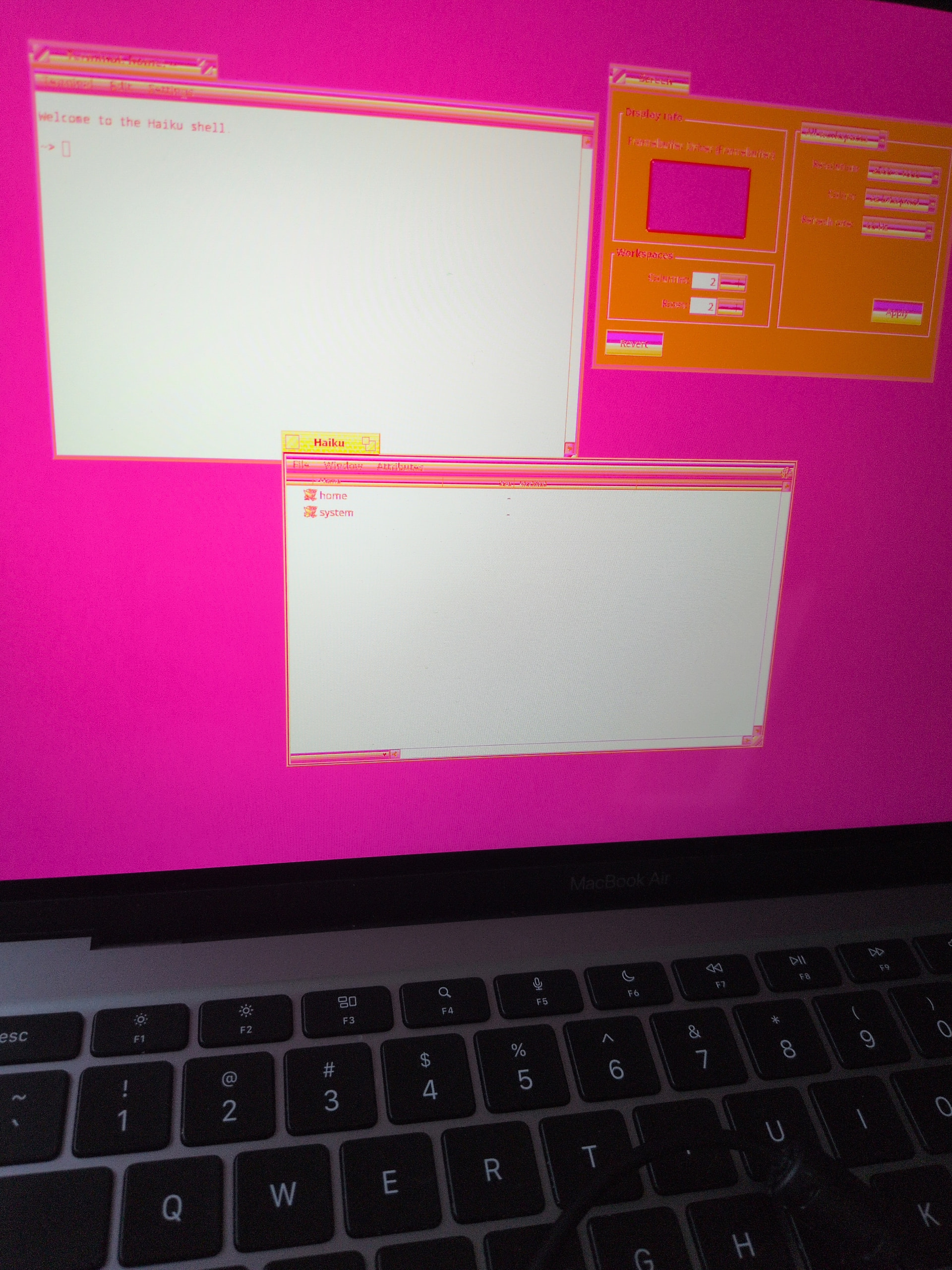
Booted to desktop on M1 MacBook Air. All 8 cores are running, USB is barely functional, and the screen is in funny colors, but it works.
Once you get this running right you’re going to break the internet 

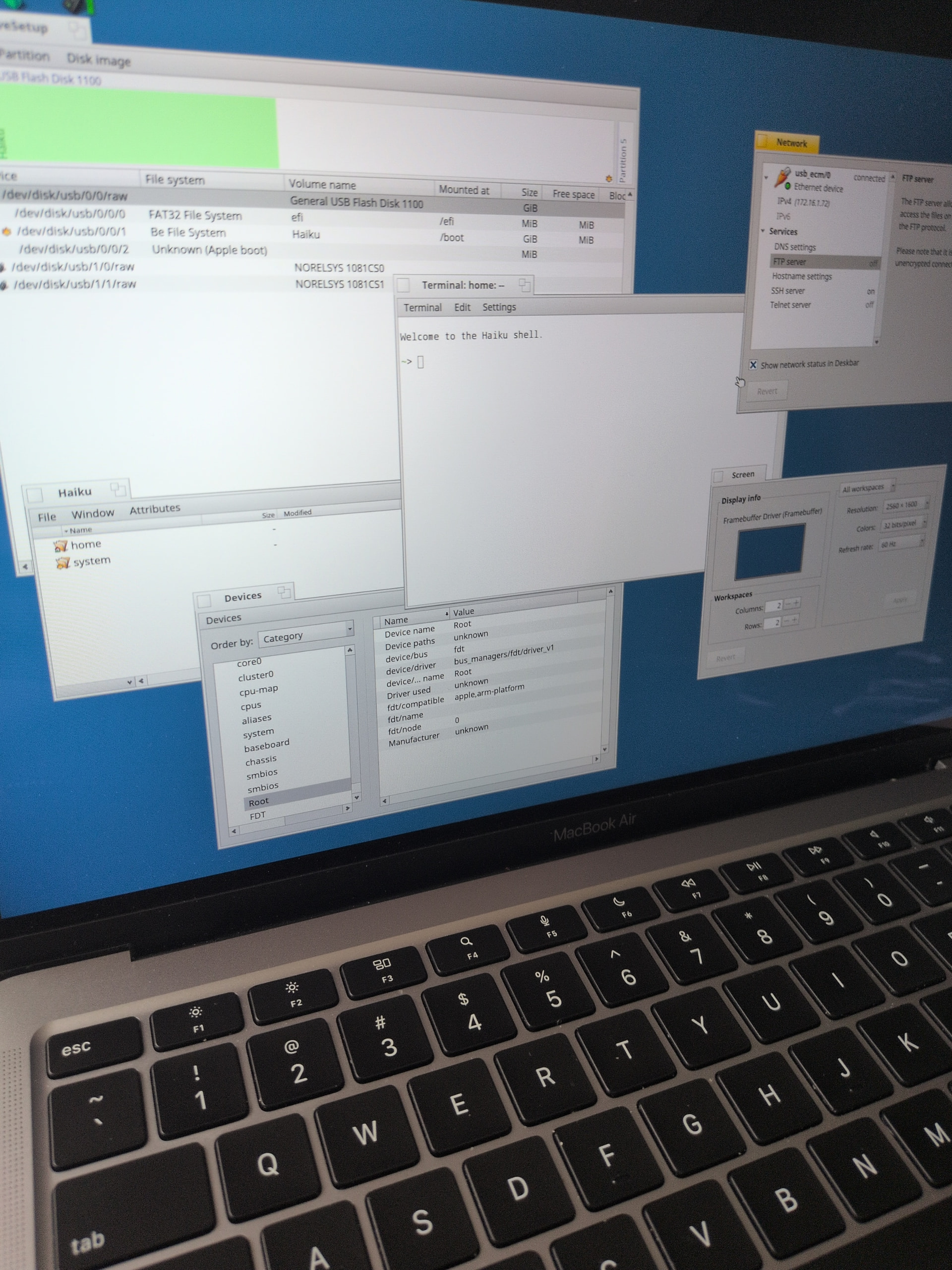
32-bit RGB with 10-bits per channel. You can change that of course but it’s somewhat non-trivial
I’m getting strong Windows 3.1 Hot Dog vibes here.
…I have a Pinebook Pro arm64 laptop, which runs Linux rather badly, but would run Haiku pretty well. It’s got uboot with devicetree; how close do you think we are to getting an image that would work on it?
I don’t have a Pinebook Pro, and the hardware I do have has very little in common with it. Unless another developer wants to support Pinebook Pro, Haiku won’t run on it. Looking at the device tree, it probably wouldn’t be too difficult to get Haiku booted to the desktop though.
This is bare metal, no VM. m1n1+u-boot deal with the Apple-specific parts of booting, so we can boot UEFI images from USB like any PC
Discussion (0)
Sign in to join the discussion. Free account, 30 seconds — email code or GitHub.
Sign in →No comments yet. Sign in and be the first to say something.