Vercel Connect support in GitHub Tools
Mirrored from Vercel — AI for archival readability. Support the source by reading on the original site.
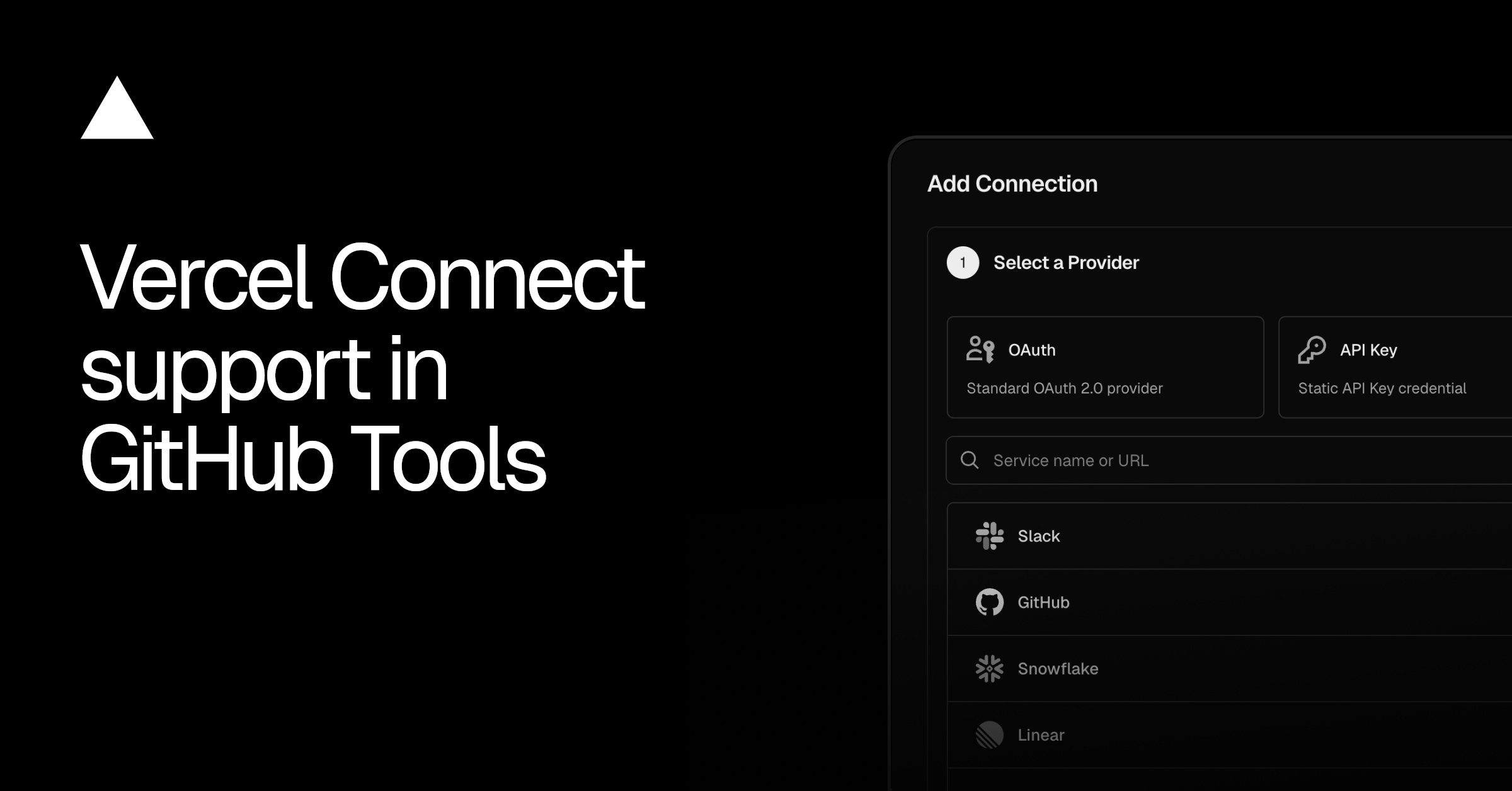
GitHub Tools now has first-class support for Vercel Connect through the new @github-tools/sdk/connect subpath. Instead of storing a long-lived personal access token, your agent mints short-lived, scoped GitHub tokens at runtime from a connector. There is no secret to store, rotate, or leak.
Attach a GitHub connector to your project and pick a preset:
import { connectGithubTools } from "@github-tools/sdk/connect";import { generateText } from "ai";
const tools = connectGithubTools("github/my-connector", { preset: "code-review",Review GitHub PRs with a custom agent
Scopes from presets: Presets such as
code-review,issue-triage, andmaintainermap to Connect scopes automatically, so tokens carry only the permissions the toolset needs.Works with eve: Import from
@github-tools/sdk/connect/eveand one file inagent/tools/registers the full toolset with Connect-backed auth.Multi-tenant ready: Override
installationId,repositories, orscopesper call to target a specific installation or narrow access to individual repos.Zero-config on Vercel: Deployments automatically authenticate with the OIDC token. For local development, run
vercel linkandvercel env pull.
For custom tool factories, connectGithubToken returns a lazy token provider you can pass to createGithubTools directly.
Get started by creating a GitHub connector and reading the documentation.
Discussion (0)
Sign in to join the discussion. Free account, 30 seconds — email code or GitHub.
Sign in →No comments yet. Sign in and be the first to say something.