New setup page after domain checkout
Mirrored from Vercel — AI for archival readability. Support the source by reading on the original site.

Buying a domain on Vercel now takes you to a setup page that tracks registration live, with direct paths to deploy a new project, connect an existing one, proxy or redirect a site you already run, or set up email.
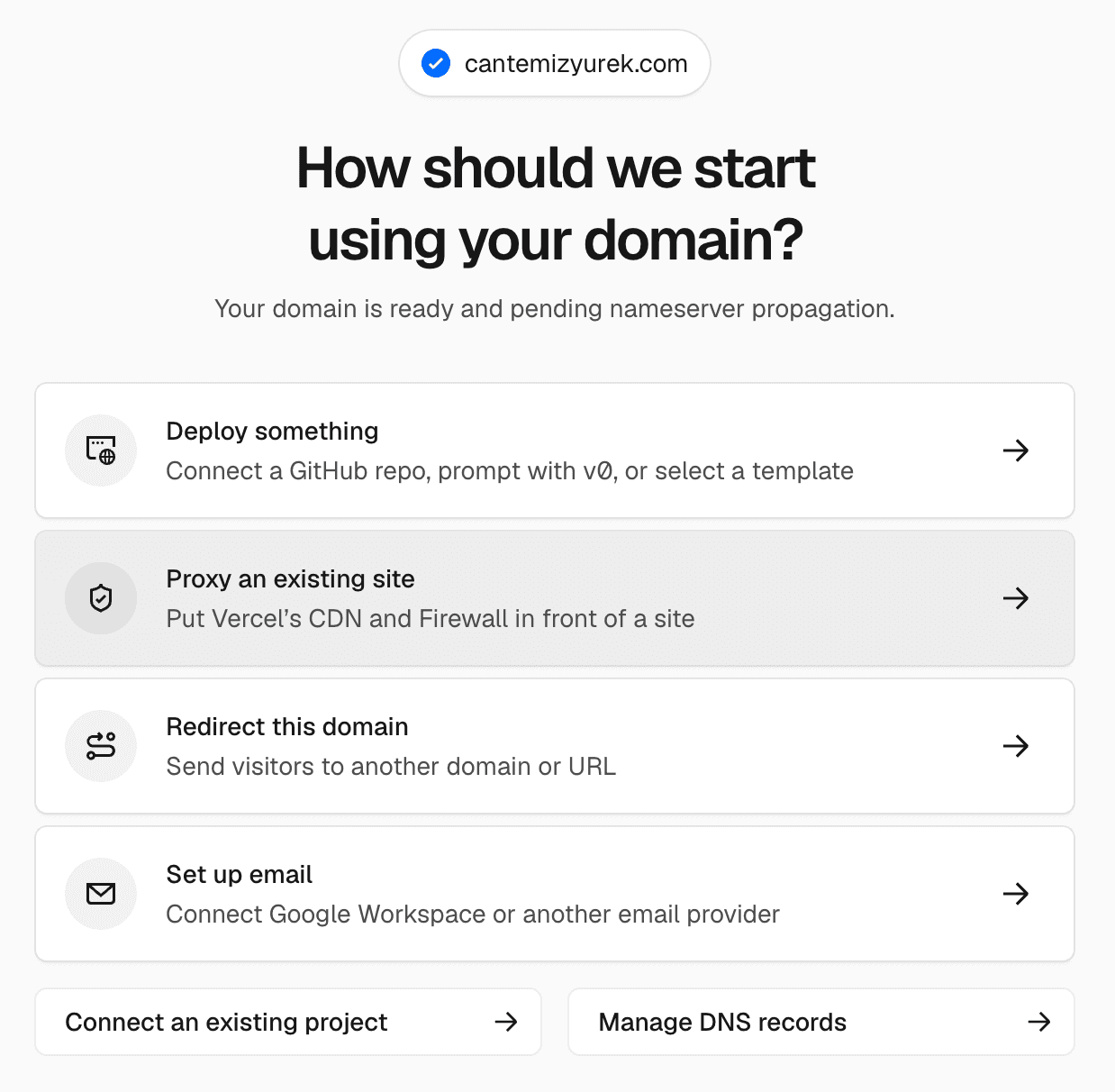
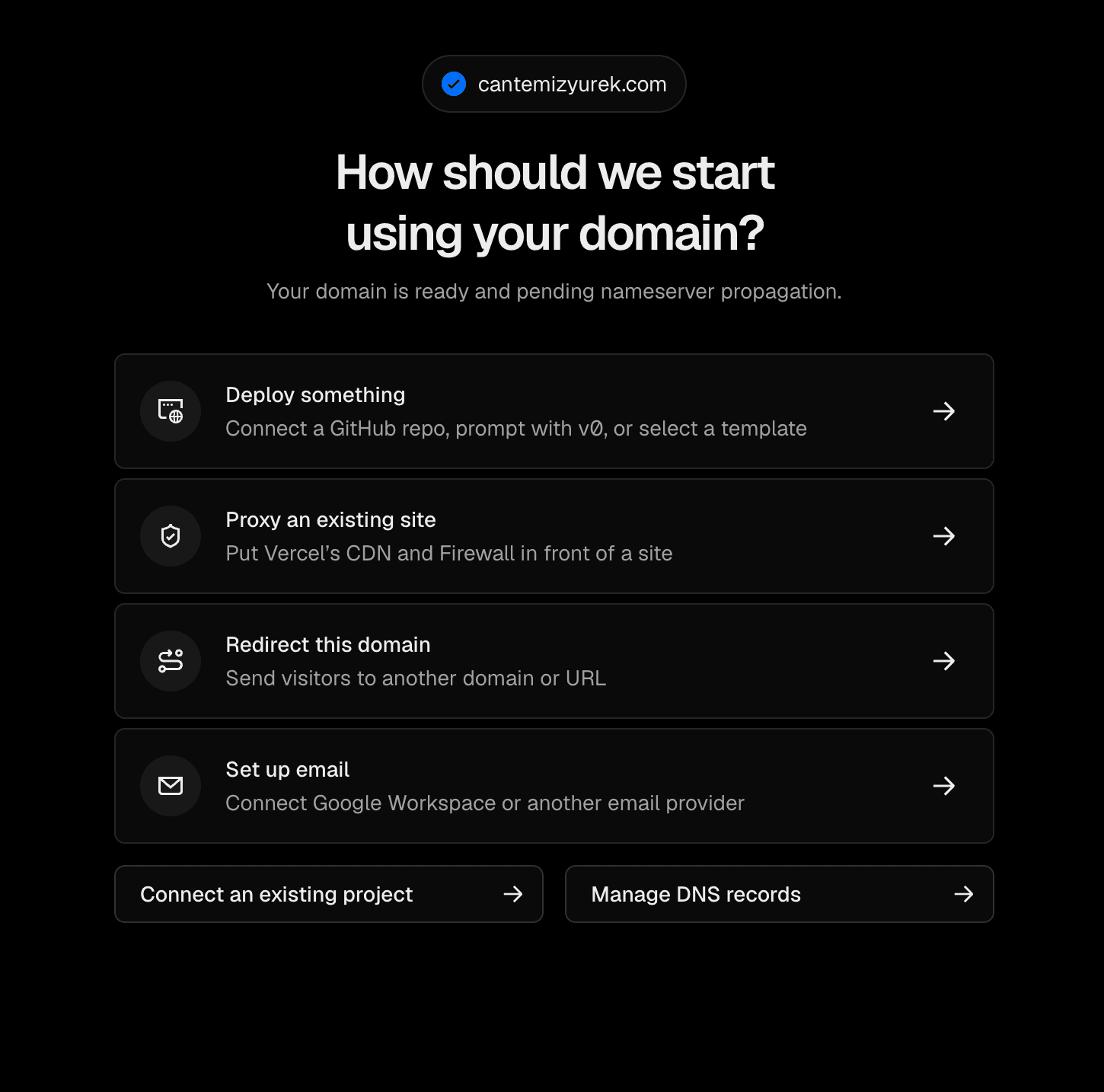
Registration can take a few minutes. Each setup action unlocks as soon as the domain is ready. If registration fails, the page shows what went wrong and the status of your refund.
Copy link to headingDeploy a new project or connect an existing one
Deploy something opens project creation with the domain preselected. Connect a Git repository, prompt with v0, or start from a template, and the domain is attached when the project deploys.
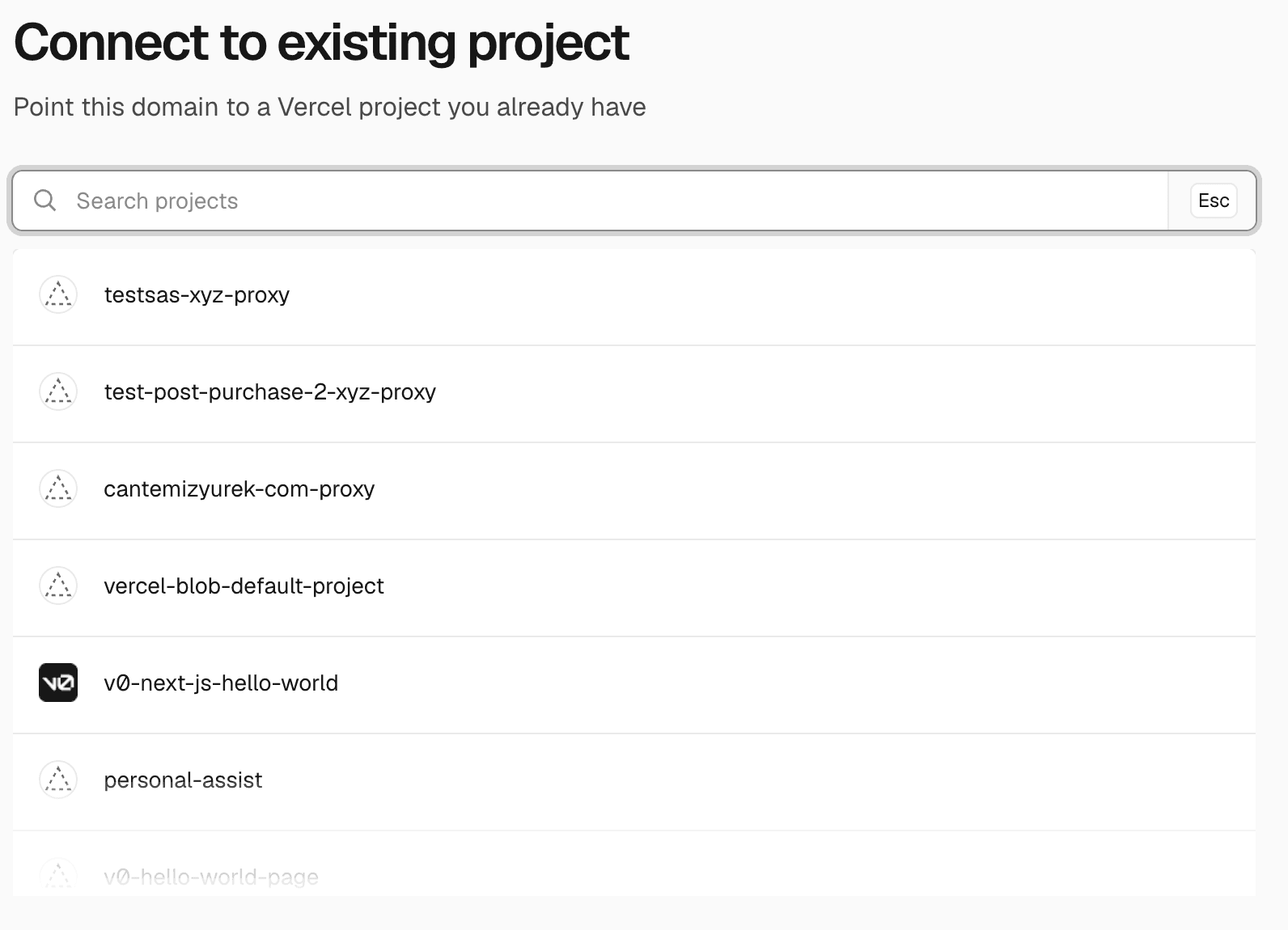
Connect an existing project attaches the domain to a project you pick from your team.
Copy link to headingProxy or redirect a site you already run
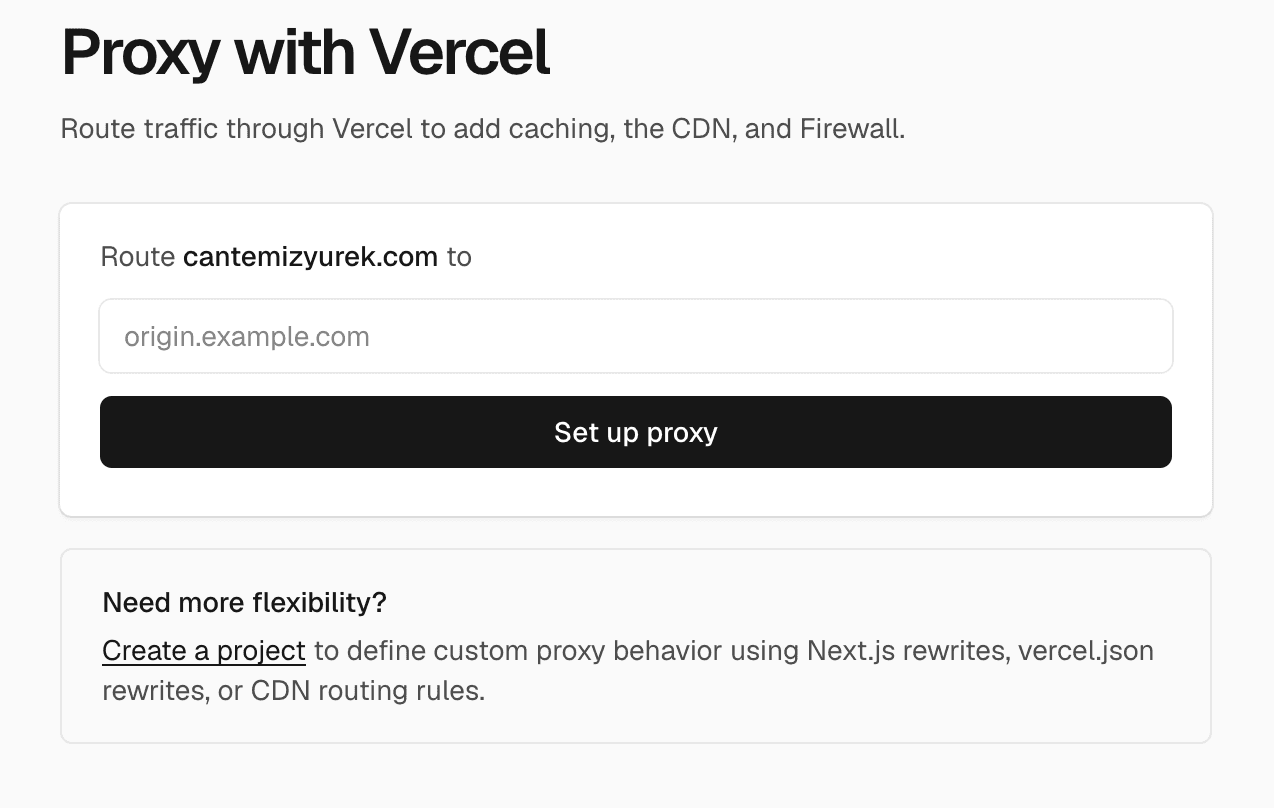
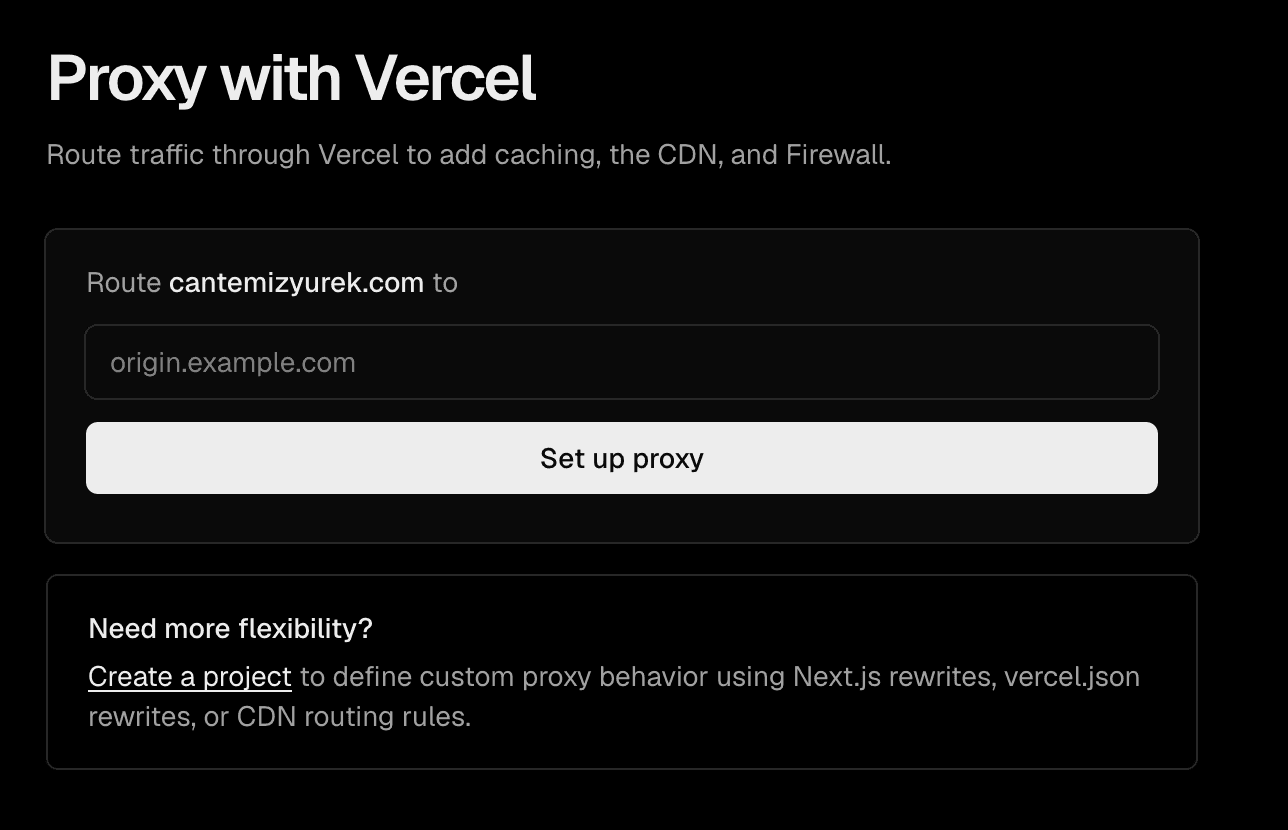
Enter an origin to proxy, and traffic to the domain routes through Vercel's CDN and Firewall to your existing site. Enter a URL to redirect, and visitors are forwarded there. In both cases, Vercel creates a project to handle the routing and configures it for you.
Copy link to headingSet up email with DNS presets
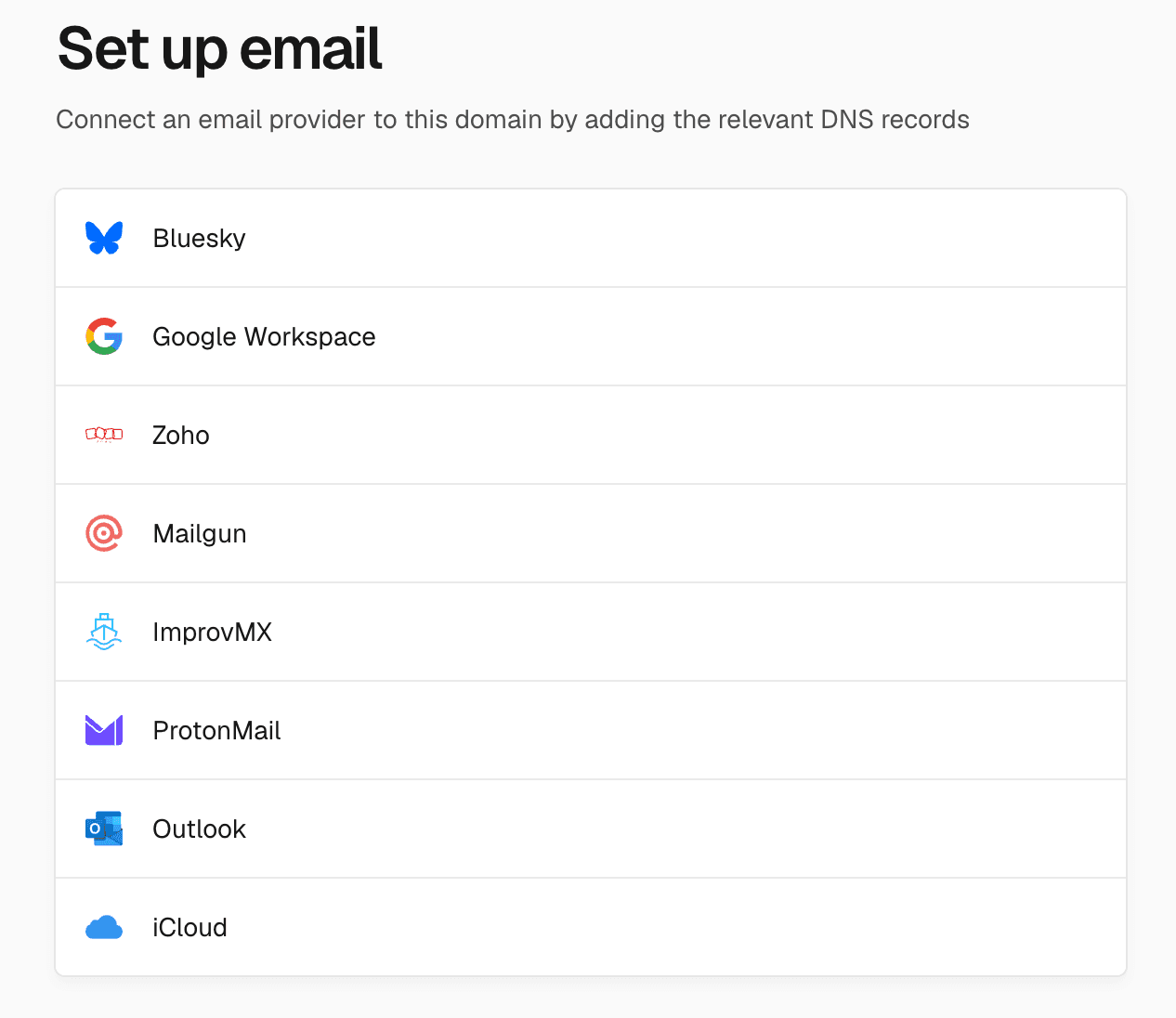
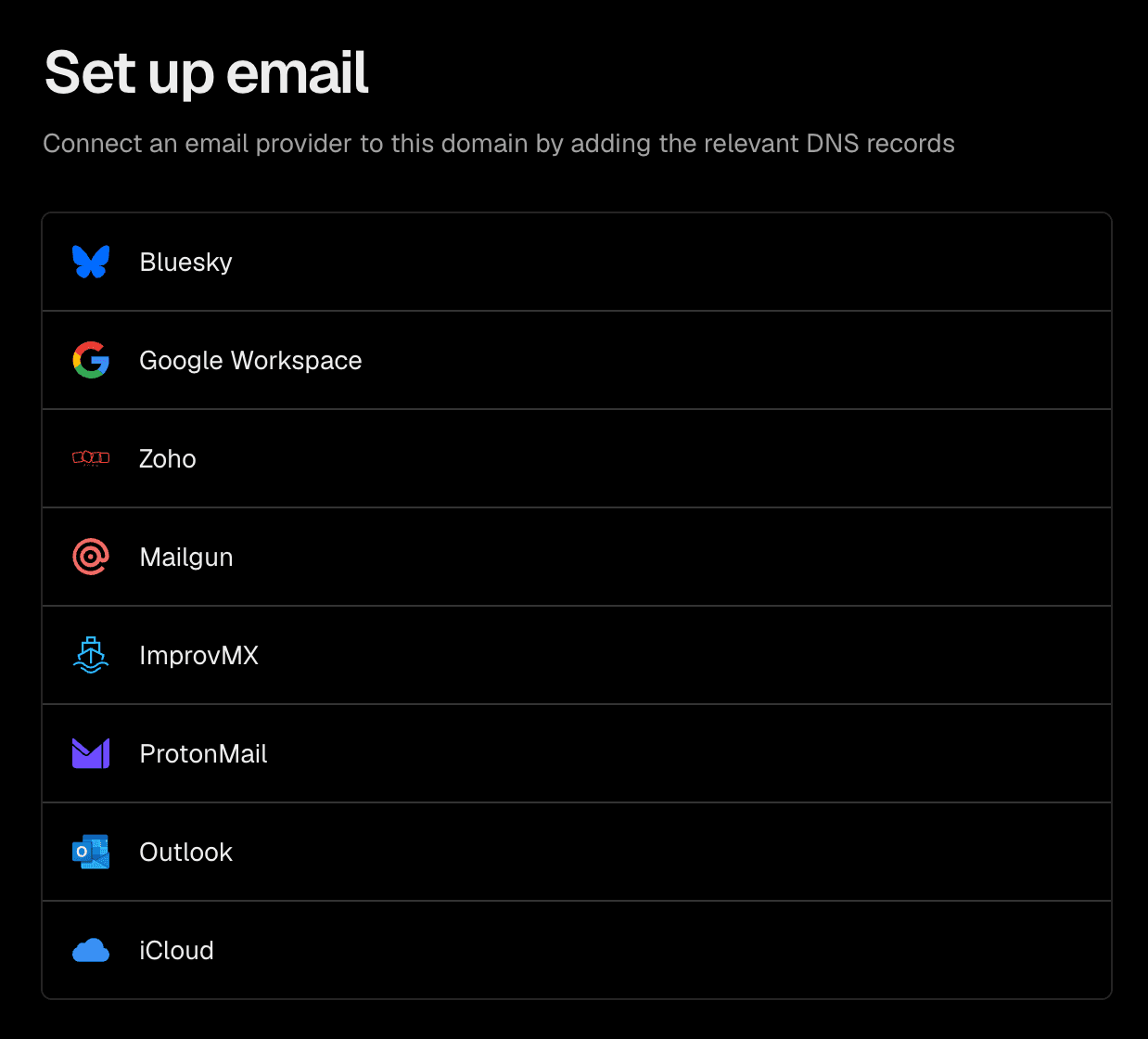
Choose your email provider and Vercel adds the DNS records it needs. Presets are available for Google Workspace, Outlook, iCloud, Proton Mail, Zoho, Mailgun, and ImprovMX. There's also a preset for using the domain as your Bluesky handle.
If you'd rather configure records yourself, Manage DNS records opens the domain's DNS records page.
Search for a domain at vercel.com/domains to get started.

Discussion (0)
Sign in to join the discussion. Free account, 30 seconds — email code or GitHub.
Sign in →No comments yet. Sign in and be the first to say something.