Inspect feature flag history with Vercel CLI
Mirrored from Vercel — AI for archival readability. Support the source by reading on the original site.
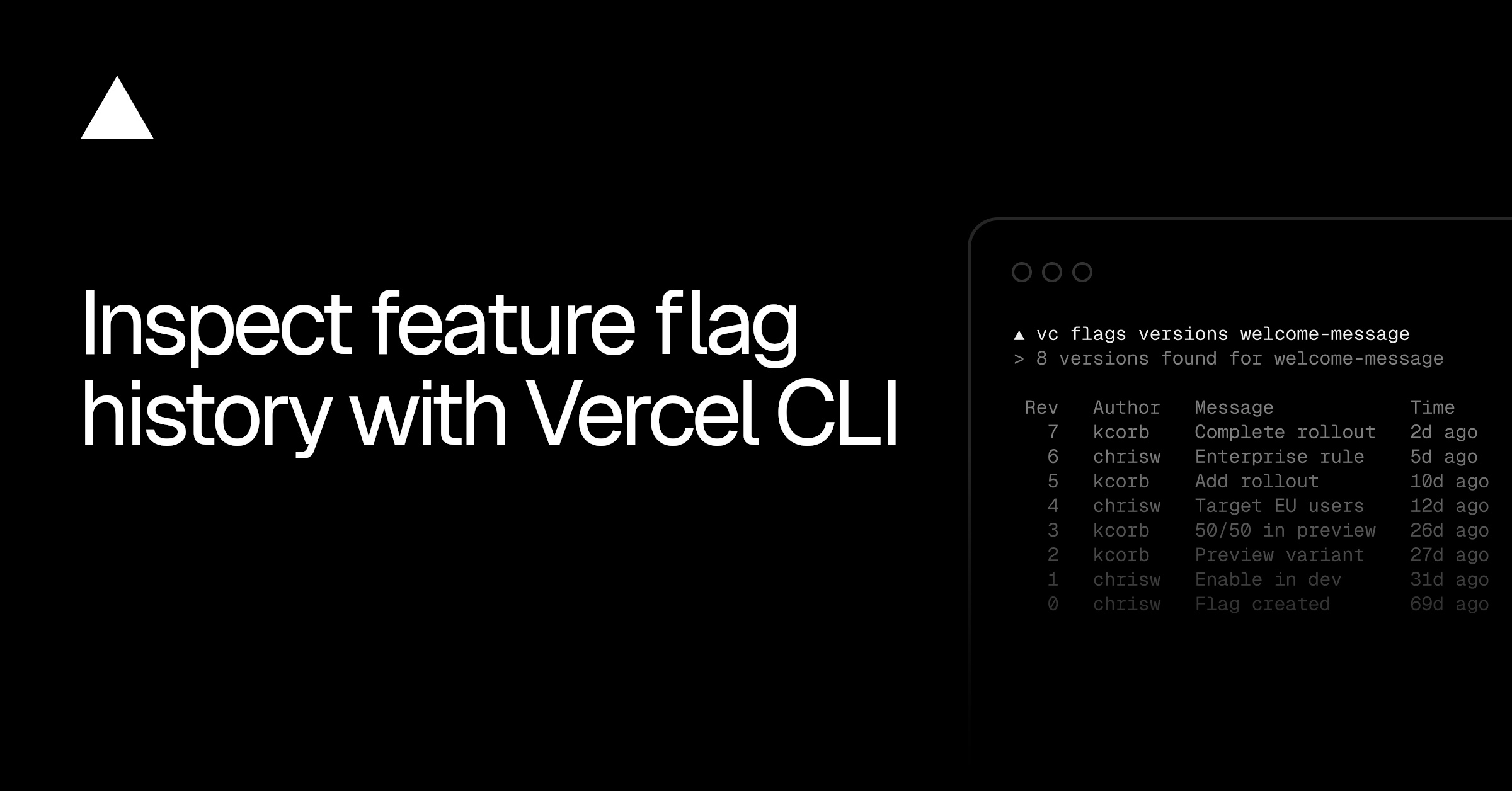
Vercel Flags version history can now be inspected from the Vercel CLI with the new vercel flags versions command.
Run vercel flags versions <flag> to print the full revision history for a flag, with each revision's author, message, timestamp, and changed environments. Filter to a specific environment with --environment, paginate with --limit and --cursor, or add --json for scripting.
vercel flags versions my-flagvercel flags versions my-flag --environment productionPrinting the revision history for a flag, optionally filtered to one environment
To compare a revision against the one before it, run vercel flags versions diff <flag> --revision <n>. The diff is semantic, surfacing field-level changes to targeting rules, rollout percentages, and conditions. Additions, removals, and modifications appear as colored +, -, and ~.
vercel flags versions diff my-flag --revision 42Comparing revision 42 against the revision before it
Update to the latest version of the Vercel CLI and learn more in the Vercel Flags CLI documentation to get started.
Discussion (0)
Sign in to join the discussion. Free account, 30 seconds — email code or GitHub.
Sign in →No comments yet. Sign in and be the first to say something.