Big Words
Mirrored from Simon Willison for archival readability. Support the source by reading on the original site.
7th May 2026
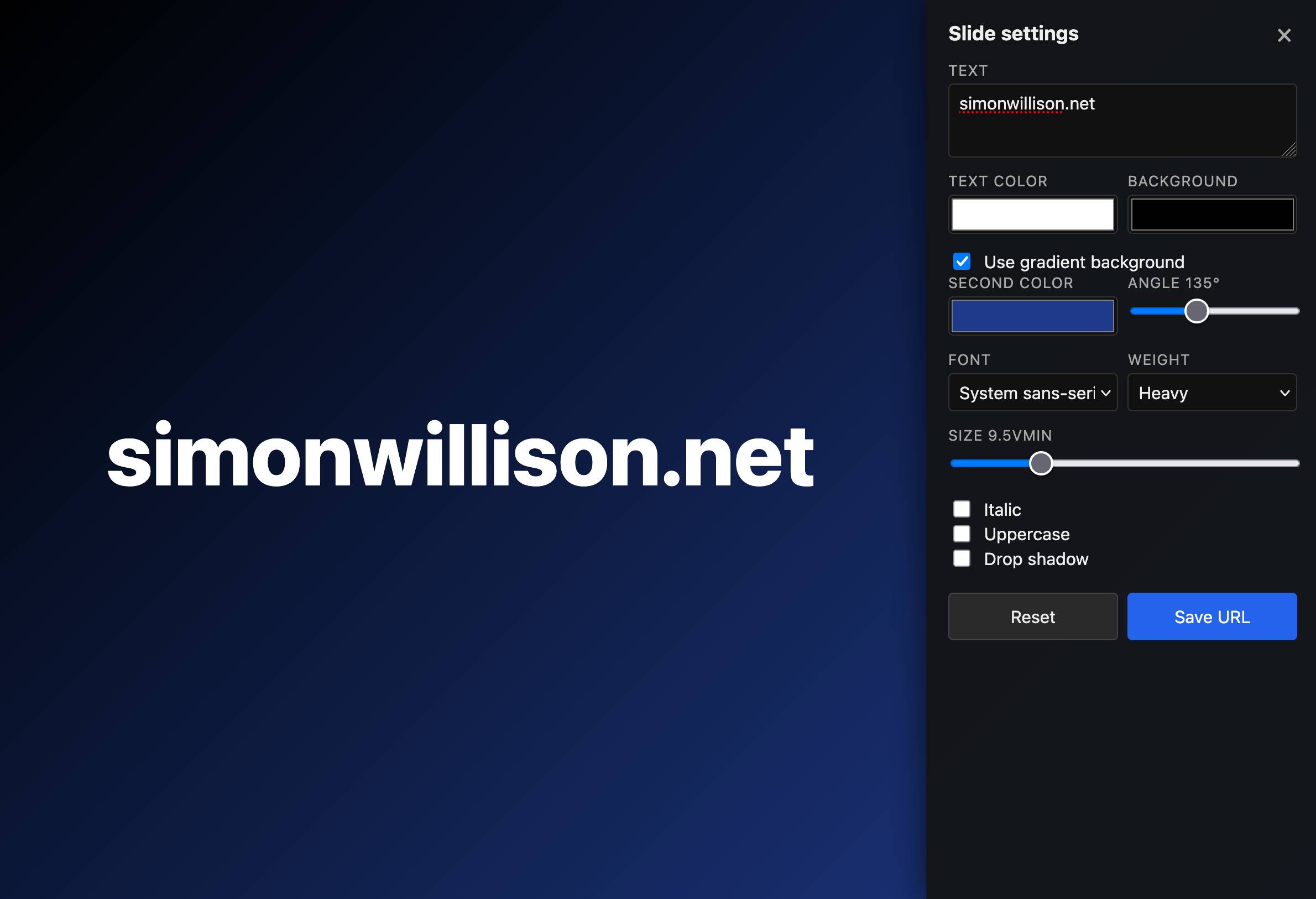
I'm using my vibe coded macOS presentations tool to put together a talk, and I wanted to add a slide with some text on it. The tool only accepts URLs, so I put together a quick page that accepts query string arguments and turns them into a simple slide.
Here's an example: https://tools.simonwillison.net/big-words?text=simonwillison.net&gradient=1&size=9.5
Double click or double tap the page to access a form for modifying the different options.
Recent articles
- Notes on the xAI/Anthropic data center deal - 7th May 2026
- Live blog: Code w/ Claude 2026 - 6th May 2026
- Vibe coding and agentic engineering are getting closer than I'd like - 6th May 2026
This is a beat by Simon Willison, posted on 7th May 2026.
tools 61 vibe-coding 90Monthly briefing
Sponsor me for $10/month and get a curated email digest of the month's most important LLM developments.
Pay me to send you less!
Discussion (0)
Sign in to join the discussion. Free account, 30 seconds — email code or GitHub.
Sign in →No comments yet. Sign in and be the first to say something.